✕ Quick Exit
For Parents

Guides for Parents.
Plain English. Free.

Everything you need to know about keeping your child safe β€” written for a concerned parent at 11pm, not a professional audience. Every guide ends with what to do and who to call.

📱 Online Safety 🧐 Mental Health 🚊 County Lines 🔆 Knife Crime 💊 Drugs & Alcohol 🏫 School System 💕 Relationships
🔒 All guides are free, no account needed, and nothing you read here is reported to anyone. If you need to leave quickly, use the Quick Exit button.

Showing all guides

📱 Online Safety For Parents

Digital Safeguarding: Beyond 'Net Nanny' β€” Technical Controls vs Open Communication

A smartphone gives your child access to the entire internet from their bedroom. Here's what actually works β€” and why communication beats blocking every time.

By The Safeguard Hub TeamΒ·8 min read
Digital safeguarding β€” helping parents manage online safety at home
What this guide covers: How to set up a safer digital environment at home, what monitoring tools actually help, and how to have productive conversations with your child about online safety β€” without creating secrecy.

Digital safeguarding at home is not about spying on your child or removing all technology. It is about creating an environment where your child is less likely to encounter harm β€” and more likely to come to you when something goes wrong.

What "digital safeguarding" actually means at home

Schools and professionals use the term to describe policies and procedures. At home it means three things: reducing exposure to harmful content and contacts, building your child's ability to recognise and report risks, and keeping communication open enough that they tell you when something feels wrong.

Most online harm happens not through strangers jumping out of the dark web, but through gradual, low-grade contact that escalates β€” on platforms your child uses every day. Understanding this changes how you approach the problem.

The family technology agreement

Research consistently shows that agreed rules work better than imposed ones. A short written agreement β€” not more than one page β€” signed by everyone including parents, helps set expectations around screen time, private accounts, messaging strangers, and what to do in an uncomfortable situation. The NSPCC has a free template at nspcc.org.uk.

Key items to include: devices stay out of bedrooms overnight; no accepting contact requests from people you haven't met in person without telling a parent; if anything makes you uncomfortable, you will not get in trouble for telling us.

Monitoring: what helps and what backfires

Covert monitoring β€” secretly reading your child's messages β€” tends to backfire when discovered, destroying trust at exactly the time you need it. Transparent monitoring is more effective: "I have set up Screen Time so I can see how long you spend on each app, and I'll check in with you about it weekly."

  • Useful tools: Apple Screen Time, Google Family Link, router-level DNS filtering (NextDNS, Circle), gaming console parental controls
  • Less useful: Full message monitoring apps β€” children find workarounds quickly, and the relationship damage outweighs the benefit
  • Most useful of all: Knowing their friends, following the same social media accounts, asking to see their phone together once in a while β€” casually, not as a search

Having the conversation

The most protective thing you can do is make yourself approachable. If your child believes they will be in trouble for telling you something went wrong online, they will not tell you. Say explicitly and regularly: "If anything ever happens online that makes you uncomfortable β€” anything at all β€” I want you to come to me first. You won't be in trouble."

Ask open questions: "Who have you been chatting with lately?" rather than "Are you talking to anyone weird?" Curiosity is less threatening than interrogation.

Useful resources

  • 🔗 NSPCC: nspcc.org.uk/keeping-children-safe/online-safety
  • 🔗 Internet Matters: internetmatters.org β€” device-specific setup guides
  • 🔗 UK Safer Internet Centre: saferinternet.org.uk
  • 📞 NSPCC helpline (for parents): 0808 800 5000 β€” free, 24/7
📱 Online Safety For Parents

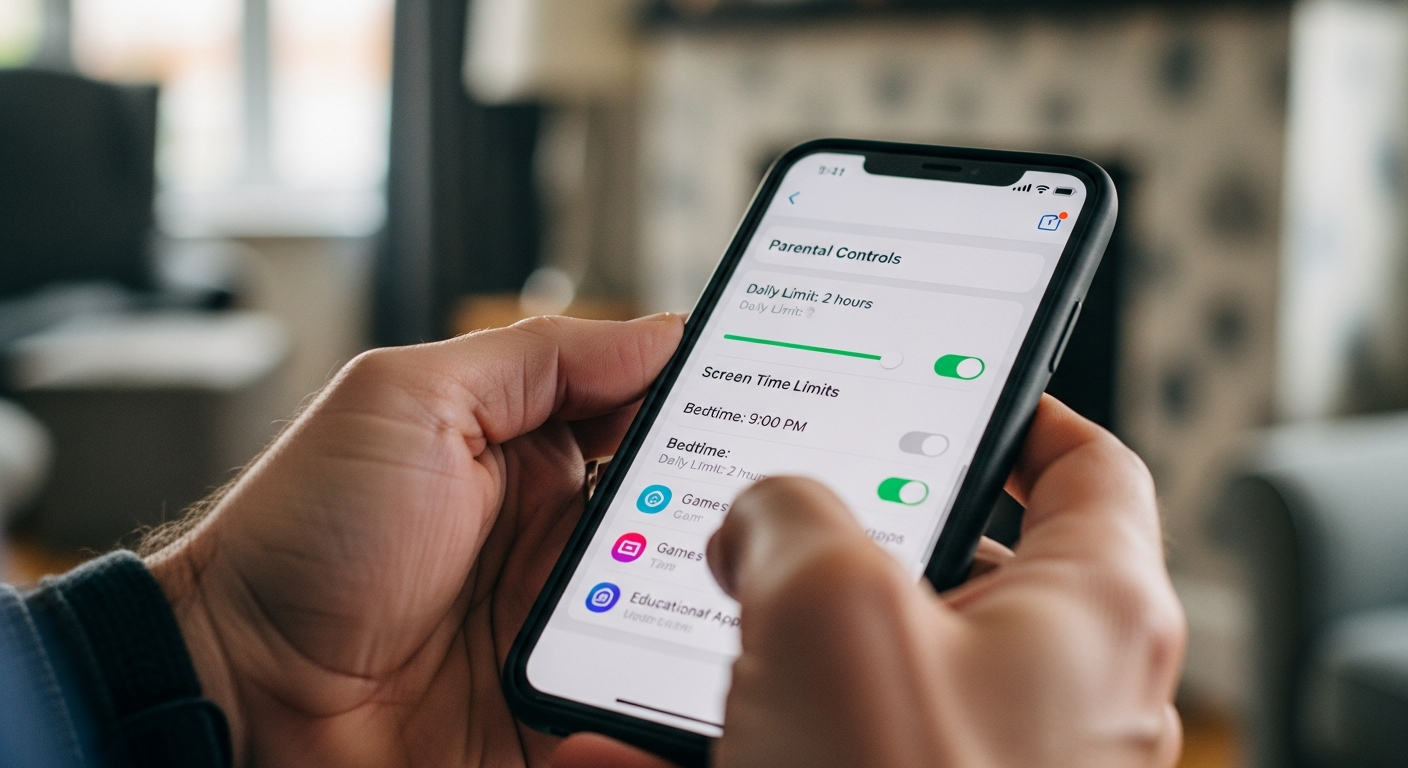
Parental Controls in 2026: The Complete Setup Guide for Every Device

Step-by-step for iPhone, Android, gaming consoles, smart TVs, and router-level filtering. Updated for 2026 β€” no technical knowledge required.

By The Safeguard Hub TeamΒ·11 min read
Complete guide to setting up parental controls on every device in 2026
What this guide covers: Step-by-step instructions for setting parental controls on iPhones and iPads, Android devices, Windows and Mac computers, gaming consoles (PS5, Xbox, Nintendo Switch), and at router level. Updated for 2026.

Parental controls are not a solution on their own β€” a motivated teenager will find a workaround. But as one layer of a broader approach, they genuinely reduce exposure to harmful content and make age-inappropriate purchases and contacts more difficult.

Apple devices (iPhone, iPad)

Go to Settings β†’ Screen Time β†’ [child's name]. From here you can set content restrictions by age rating, block specific apps, limit daily usage per category, and schedule downtime (e.g. no apps after 9pm). Set a Screen Time passcode that is different from the device passcode. Enable Communication Limits to restrict who your child can call or message. For children under 13, use Family Sharing to require purchase approval.

Android devices

Download Google Family Link (free) on your phone and your child's device. Family Link lets you approve app downloads, set daily limits, see device location, and lock the device remotely. For YouTube, enable Restricted Mode or switch to YouTube Kids. On Samsung devices, there is also a built-in Kids Mode (suitable for under-10s) and Digital Wellbeing controls.

Gaming consoles

  • PlayStation 5: Settings β†’ Family β†’ Family Management. Set spending limits, restrict online play, control who can send friend requests and messages, set age restrictions for games.
  • Xbox: account.xbox.com β†’ Family. Set screen time limits, restrict communications, require parental approval for friends. Microsoft's Family Safety app shows activity reports.
  • Nintendo Switch: Download the Nintendo Switch Parental Controls app. Set bedtime alarms, restrict online features, limit play time by day of week, and get monthly activity summaries.

Router-level filtering

Router-level filtering applies to every device on your home Wi-Fi network β€” including smart TVs, games consoles, and devices you might not have thought of. Two good free options: NextDNS (nextdns.io) and CleanBrowsing (cleanbrowsing.org). Both work by changing your router's DNS settings (your internet provider can help, or look up your router model + "change DNS"). This won't block 4G/5G mobile data β€” your child's phone company controls that.

Most major UK broadband providers also offer family-friendly filters through their router settings: BT Parental Controls, Sky Broadband Shield, TalkTalk HomeSafe, and Virgin Media Content Controls are all free and easy to turn on.

Social media age verification

From 2025, Ofcom requires social media platforms to verify users' ages under the Online Safety Act. In practice, children still find workarounds. Check that your child's social media accounts have accurate birthdates set β€” platforms now apply different default privacy settings to accounts identified as under-18, including restricting who can message them and limiting algorithmic recommendations of harmful content.

Key principle: Set controls together with your child where possible. Children who understand why the controls are in place are more likely to work with them than around them.

Useful resources

  • 🔗 Internet Matters device guides: internetmatters.org/parental-controls
  • 🔗 NSPCC Net Aware: net-aware.org.uk β€” guide to every major platform
  • 📞 NSPCC helpline: 0808 800 5000
📱 Online Safety For Parents

Online Grooming: What It Looks Like in 2026 and What to Do

Groomers are on the same platforms your child loves. Here's the modern grooming script, the warning signs parents miss, and the right way to respond without shutting your child down.

By The Safeguard Hub TeamΒ·10 min read
Online grooming β€” what it looks like in 2026 and what parents should do
If you believe your child is being groomed right now: Contact the police (101 or 999 if immediate risk) and report to CEOP at ceop.police.uk. Do not confront the person yourself.

Online grooming is the process by which someone builds an emotional connection with a child in order to exploit them β€” sexually, financially, or through criminal exploitation. In 2024, CEOP received over 100,000 reports of online child sexual abuse. The perpetrators are overwhelmingly known to the child within weeks of first contact, not strangers who have lurked for years.

How grooming actually works in 2026

Groomers use the same platforms your child uses β€” Instagram DMs, Snapchat, TikTok, Discord, Roblox, online gaming chat. The process typically follows a pattern:

  • Targeting: Looking for children who post about loneliness, family conflict, or low self-esteem
  • Friendship: Becoming the most understanding, exciting person in your child's life
  • Exclusivity: "Don't tell your parents about me β€” they won't understand our friendship"
  • Desensitisation: Gradually introducing sexual conversation or images, normalising it
  • Coercion: Using images, threats of sharing content, or emotional manipulation to maintain control

Warning signs to watch for

  • New "friend" who is older, who they can't or won't explain clearly
  • Becoming secretive about online activity β€” angling the screen away, switching apps when you walk in
  • Unexplained gifts, money, or phone credit
  • Withdrawing from family and friends they previously talked about
  • Being upset or angry after using devices, but unwilling to say why
  • References to an older friend or partner they are excited but secretive about
  • Staying up late to use devices

How to respond if you're worried

Stay calm. If your child senses panic or anger, they are less likely to disclose. Say something like: "I've noticed you seem a bit different lately and I'm not angry β€” I just want to understand if something's worrying you."

Do not confront the person online, do not take the device away immediately (this can destroy evidence), and do not make your child feel they are in trouble. Take screenshots of any concerning communications before reporting.

Reporting

Report to CEOP (Child Exploitation and Online Protection) at ceop.police.uk. You can also call the police on 101 or 999. The NSPCC helpline (0808 800 5000) can advise you on next steps before you report if you're unsure.

Where to get help

  • 📞 CEOP (report online grooming): ceop.police.uk
  • 📞 NSPCC helpline: 0808 800 5000 (free, 24/7)
  • 📞 Police: 101 (non-urgent) or 999 (immediate risk)
  • 📞 Childline (for your child to report): 0800 1111
📱 Online Safety For Parents

AI-Generated Images and Your Child: What Every Parent Needs to Know

Deepfakes, AI "nude" generators, and image-based abuse are being used to target young people. This is now illegal. Here's what it is, how to spot it, and what the law says.

By The Safeguard Hub TeamΒ·9 min read
AI-generated images and deepfakes β€” what every parent needs to know
Key fact: Under the Online Safety Act 2023, sharing a deepfake sexual image without consent became a criminal offence in England and Wales in January 2024. Creating one with intent to share became an offence in April 2024.

AI image generation tools can now produce realistic, explicit images of real people β€” including children and young people β€” from a single photo. This technology has advanced rapidly and is being weaponised for abuse, blackmail, and harassment. Understanding what it is and what your child's legal rights are is essential for every parent.

What is a deepfake?

A deepfake is an AI-generated image or video that places a real person's face or likeness into fabricated scenarios. Increasingly, these are being used to create non-consensual intimate images (NCIIs) β€” fake explicit images of real people. Young people are being targeted by peers, by online abusers, and sometimes by people they know. The images are used to humiliate, coerce, and blackmail.

If this has happened to your child

  • Don't download or share the image β€” even to show someone. This can complicate the legal situation.
  • Screenshot evidence β€” where it appeared, who shared it, when, using a second device if possible
  • Report to the platform β€” all major platforms have NCII reporting processes; most now use PhotoDNA hash-matching to prevent resharing
  • Report to the IWF β€” the Internet Watch Foundation (iwf.org.uk) can have images removed from UK-hosted sites
  • Report to police β€” this is a crime. Call 101 or go to your local station
  • Contact StopNCII β€” stopncii.org creates a digital fingerprint of the image so platforms can detect and remove it globally

How to protect your child going forward

The most important thing is not to restrict what your child shares β€” it is to ensure they know they can come to you without being blamed if something goes wrong. Victims of image-based abuse often stay silent because they fear parental reaction.

Review privacy settings on all social media accounts together. Images scraped from public profiles are most commonly used. Private accounts with careful friend management are the most effective preventive step.

Where to get help

  • 🔗 StopNCII.org β€” hash your child's image to prevent resharing
  • 🔗 Internet Watch Foundation: report.iwf.org.uk
  • 🔗 Revenge Porn Helpline: 0345 6000 459 (for all image abuse, not just revenge porn)
  • 📞 NSPCC helpline: 0808 800 5000
  • 📞 Police: 101
📱 Online Safety For Parents

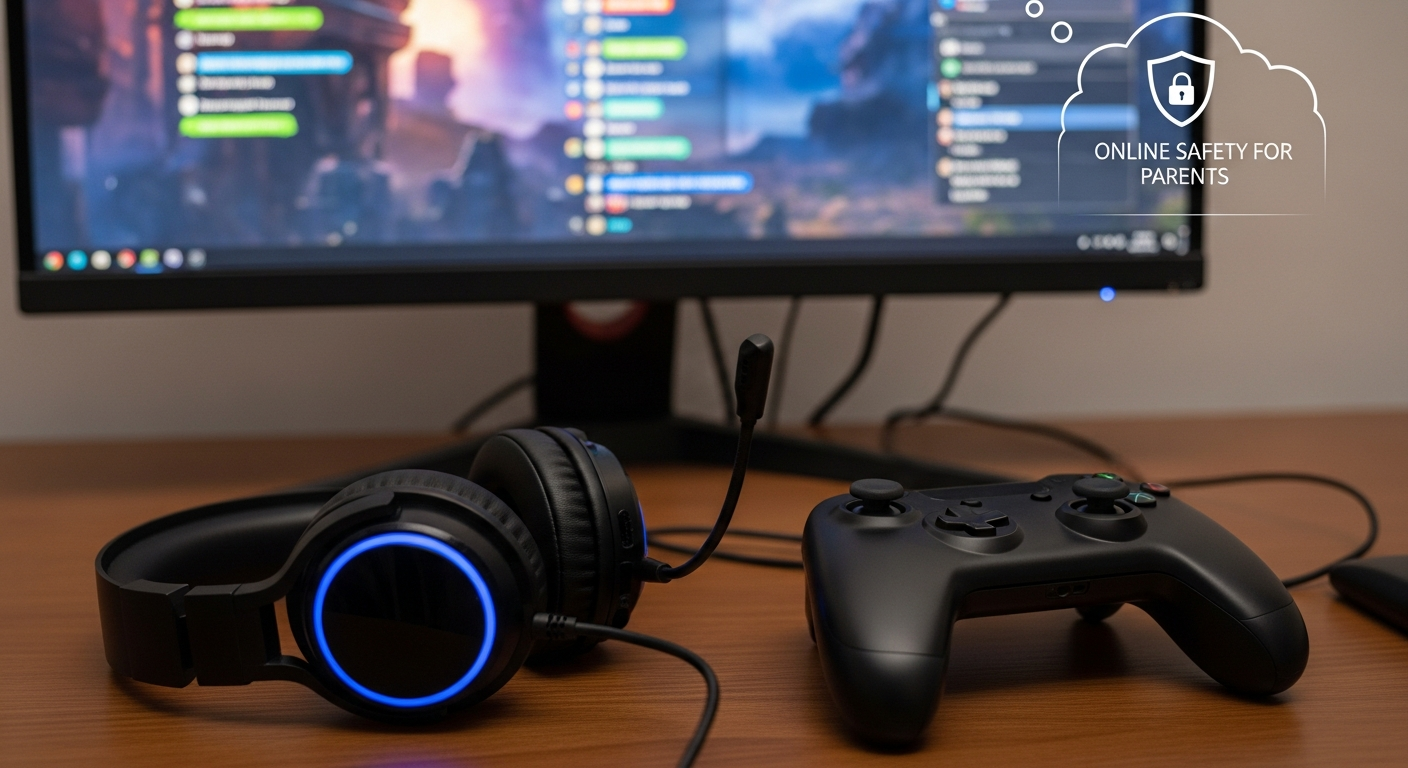
Is Your Child Safe While Gaming? Risks in Roblox, Discord and FIFA

Grooming vectors parents aren't watching. Specific risks by platform, what to look out for, and the practical checks every parent can make today.

By The Safeguard Hub TeamΒ·9 min read
Is your child safe while gaming? Risks in Roblox, Discord and FIFA
Key numbers: 93% of UK children aged 5–15 play video games. In-game chat is now one of the most common grooming vectors identified by CEOP. Voice chat, guilds, and shared servers create the same risk environment as other social platforms.

Gaming is one of the most misunderstood risks in online safety. Many parents focus their concern on social media while the actual risks β€” grooming via in-game chat, gambling mechanics in loot boxes, and exposure to radicalising content in gaming communities β€” happen in spaces they've never visited.

Roblox

Roblox is popular with 8–14 year olds and has a large population of adult players. Despite filters, children regularly encounter sexual language, inappropriate user-created content, and adults attempting to build friendships through gameplay. The in-game currency (Robux) is also a vector for scams. Key safety steps: enable account restrictions for under-13s, disable voice chat, review their friend list regularly, ensure they cannot spend money without your approval.

Discord

Discord is the default communications platform for many gamers aged 12–25. It hosts hundreds of thousands of "servers" β€” communities with no age verification. Children often access servers linked to games, and from there are exposed to adult communities. Direct messaging is unfiltered. Check your child's Discord servers, understand who they're in contact with, and know that the platform is not designed with child safety as a priority.

EA FC (formerly FIFA) and in-game purchases

Ultimate Team packs β€” purchased with real money β€” function as loot boxes. The Gambling Commission considers these a gateway to problem gambling in adolescents. Children spend significant sums to get random player cards, with no guaranteed outcome. Set spending limits on all gaming accounts and have a conversation about why random-reward mechanics are designed to feel more exciting than they are.

Warning signs of gaming-related problems

  • New online "friends" they are unusually secretive or excited about
  • Unexplained access to money or gift cards
  • Emotional distress when gaming is stopped or limited
  • Staying up very late to play β€” sleep deprivation
  • References to people they've met gaming who want to meet in real life
Quick wins: Play the games yourself (even badly) β€” children are more likely to talk about their gaming life with parents who show genuine interest. Ask "who are you playing with tonight?" regularly and without alarm.

Where to get help

  • 🔗 Internet Matters β€” gaming safety: internetmatters.org/issues/online-gaming
  • 🔗 NSPCC β€” gaming guide: nspcc.org.uk/keeping-children-safe/online-safety/online-games
  • 📞 CEOP (report grooming): ceop.police.uk
📱 Online Safety For Parents

Screen Time: What the Evidence Actually Says (And What to Do About It)

NHS and WHO guidance, sleep research, and a practical family screen-time agreement template. What the science actually shows β€” beyond the headlines.

By The Safeguard Hub TeamΒ·8 min read
Screen time β€” what the evidence actually says and what to do about it
What the evidence actually says: The relationship between screen time and wellbeing is more nuanced than headlines suggest. Content matters more than duration. The biggest evidence-based risk is screen use that displaces sleep β€” especially after 9pm.

Screen time has become one of the most anxiety-producing topics for parents β€” and one of the most contested in the research. This guide cuts through the noise and focuses on what the evidence actually shows, and what practical steps make a genuine difference.

What the NHS and WHO actually recommend

The World Health Organisation recommends no screen time for under-2s (except video calls), one hour or less for 3–4 year olds, and for school-age children: "sedentary screen time should not replace active play and adequate sleep." There are no specific hour-limits recommended for teenagers, because the evidence does not support a universal number.

The NHS follows similar guidance and emphasises the importance of what is on the screen: educational content, active video games, and video calls to family are treated very differently from passive social media scrolling.

The one thing that does have strong evidence: sleep

Teenagers need 8–10 hours of sleep. Blue light from screens suppresses melatonin (the sleep hormone), and the social anxiety generated by late-night social media checking ("did they reply? What did they mean by that?") further disrupts sleep. The research here is strong and consistent. The most evidence-based rule you can set is: no devices in bedrooms after 9pm. A family charging station in the kitchen is the single highest-impact structural change most families can make.

Creating a family screen agreement

Blanket bans rarely work and create conflict. A negotiated agreement is more sustainable:

  • Screen-free mealtimes (all family members, including parents)
  • No devices in bedrooms after an agreed time
  • One hour of offline activity before gaming/social media at weekends
  • Review the agreement every 3 months as your child gets older

The Healthy Screen Time website (healthyscreensforchildren.com) has free printable agreement templates.

When to be concerned

Screen use that is displacing sleep, physical activity, homework, and in-person friendships is worth addressing. If your child becomes extremely distressed when screens are removed or limited, this may indicate a dependency issue worth discussing with your GP.

Useful resources

  • 🔗 Young Minds β€” screen time guide: youngminds.org.uk
  • 🔗 Internet Matters: internetmatters.org/issues/screen-time
  • 📞 Young Minds parent helpline: 0808 802 5544 (Mon–Fri 9:30am–4pm)
🧐 Mental Health For Parents

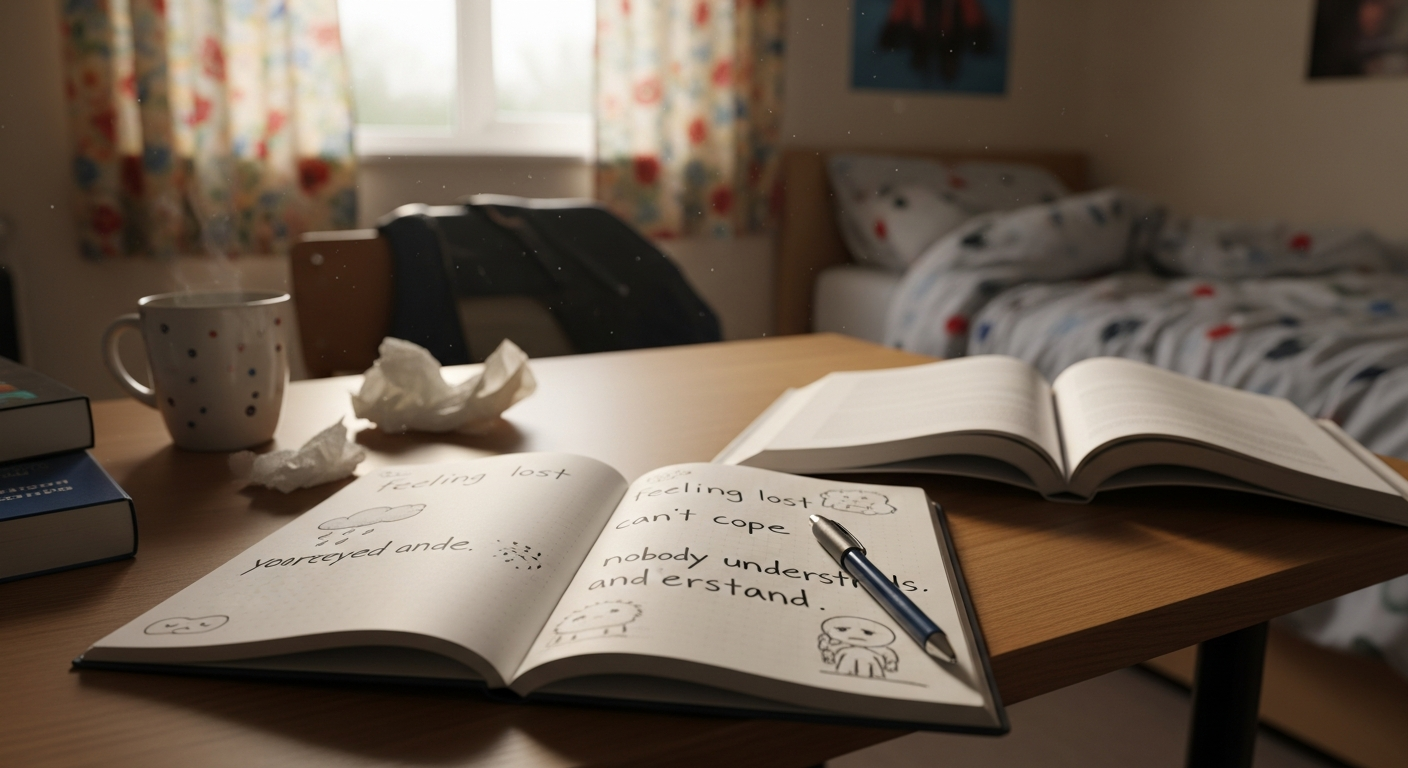
10 Signs Your Child Is Struggling With Their Mental Health

Early identification matters enormously. Here's what to look for, what's normal teenage behaviour vs what needs attention β€” and exactly who to contact.

By The Safeguard Hub TeamΒ·8 min read
Ten signs your child is struggling with their mental health
Important: Some of these signs on their own are normal teenage behaviour. It is the pattern β€” several signs together, or changes that are sudden or persistent β€” that signals something that needs attention.

One in six young people in the UK aged 5–16 now has a probable mental health condition β€” a number that has risen significantly since 2017 (NHS Digital, 2023). Many parents miss the signs not because they aren't paying attention, but because the signs look like typical teenage behaviour. Here is what to look for.

10 signs your child may be struggling

  1. Withdrawal from friends and activities they previously loved β€” not wanting to see friends, dropping hobbies, pulling away from family
  2. Changes in sleep β€” sleeping much more or much less than usual, or dramatically different patterns
  3. Changes in appetite or eating behaviour β€” significant increase or decrease, hiding food, rigid rules around eating
  4. Academic decline β€” missing school, declining grades, loss of concentration, not completing homework
  5. Irritability or rage that seems disproportionate β€” teenagers are moody, but sustained or explosive anger is different
  6. Expressions of hopelessness β€” "What's the point?" "Nothing I do matters." "I just feel empty."
  7. Physical complaints without medical cause β€” frequent headaches, stomach aches, fatigue
  8. Marked changes in how they talk about themselves β€” increasingly negative, self-critical, or self-blaming
  9. Unexplained marks, cuts or bruising β€” particularly on arms or thighs β€” this should always be taken seriously
  10. Giving away possessions or saying goodbye β€” this requires immediate action (see below)

If you notice sign 10: act immediately

If your child is giving away possessions, saying goodbye, or you are worried they may be thinking about ending their life β€” do not leave them alone and seek help immediately. Call 999, take them to A&E, or call the Samaritans on 116 123. You will not put the idea in their head by asking directly: "Are you thinking about suicide?" Research shows the opposite β€” asking directly opens the door to honesty.

What to do if you notice several other signs

Start with a calm, curious conversation at a low-pressure moment β€” on a walk, in the car, not face-to-face at the dinner table. Say: "I've noticed you seem like you're carrying something heavy lately. I'm not going to push β€” but I'm here." Book a GP appointment and go together. Be honest with the GP about what you've observed.

Where to get help

  • 📞 Young Minds parent helpline: 0808 802 5544 (Mon–Fri 9:30am–4pm, free)
  • 📞 Samaritans: 116 123 (free, 24/7)
  • 📞 PAPYRUS (suicide prevention): 0800 068 4141
  • 🔗 Young Minds: youngminds.org.uk/for-parents
🧐 Mental Health For Parents

If You Think Your Child Is Self-Harming: A Calm, Practical Guide

Your reaction in the first moment matters enormously. This guide tells you what self-harm is really about, how to respond, and where to get professional support.

By The Safeguard Hub TeamΒ·10 min read
If you think your child is self-harming β€” a calm, practical guide for parents
If your child is in immediate danger: Call 999 or take them to A&E. For ongoing concern, the guidance below will help you respond in a way that supports rather than harms your relationship with your child.

Discovering that your child is self-harming is one of the most frightening experiences a parent can have. The instinct to panic, to cry, to take away every sharp object in the house β€” all of these are understandable. But the way you respond in those first moments matters enormously for what comes next.

What self-harm is (and what it isn't)

Self-harm is when someone hurts their own body β€” most commonly cutting, but also burning, hitting, hair-pulling, or other forms β€” as a way of coping with overwhelming emotional pain. It is not usually an attempt to die. It is a coping mechanism for feelings that feel too large to bear.

Self-harm affects around one in five young people in the UK at some point. It is most common in girls aged 12–17 but is increasingly seen across all genders and ages. It does not mean your child is "crazy," that you have failed as a parent, or that they will always do this.

How to respond: what to say

When you first discover it β€” or when your child tells you β€” your goal is to keep the door open. If they feel judged, shamed, or in trouble, they will stop telling you. Say:

  • "I'm really glad you told me. That took courage."
  • "I'm not angry. I'm worried because I love you."
  • "Can you help me understand what was happening for you?"
  • "We'll get through this together."

What not to do

  • Don't make them promise to stop β€” this creates shame cycles, not recovery
  • Don't remove all sharp objects visibly and dramatically β€” this signals panic and surveillance rather than safety
  • Don't tell other family members without your child's permission (unless safety requires it)
  • Don't say "you're doing this for attention" β€” even if this feels true, it is not helpful
  • Don't show your distress so prominently that your child feels they have to manage your feelings

Getting professional support

Book a GP appointment as soon as possible and be clear about what you've observed. The GP should refer to CAMHS (Child and Adolescent Mental Health Services). Waiting lists are long β€” typically 12–18 months in many areas. While waiting: Young Minds, Kooth (online counselling), and the Samaritans can provide support. Some schools have counsellors who can provide immediate, light-touch support.

Keep the wound clean if it is not serious, offer to help with first aid in a calm, non-punitive way. If wounds are deep, consistently infected, or you believe they are getting worse β€” take your child to A&E or their GP immediately.

Where to get help

  • 📞 Young Minds parent helpline: 0808 802 5544 (free, Mon–Fri)
  • 📞 Samaritans: 116 123 (free, 24/7)
  • 📞 PAPYRUS: 0800 068 4141
  • 🔗 Kooth (free online counselling for young people): kooth.com
  • 🔗 Self-harm UK: selfharm.co.uk β€” resources for parents
🧐 Mental Health For Parents

How to Talk to Your Child About Mental Health Without Pushing Them Away

Real scripts. Common mistakes. What not to say. A practical guide to having the conversation β€” even if your child shuts down at first.

By The Safeguard Hub TeamΒ·9 min read
How to talk to your child about mental health without pushing them away
Key principle: The goal of a first mental health conversation is not to fix anything. It is to make your child feel heard, not judged β€” and to leave the door open for more conversations.

Most parents know they should talk to their children about mental health. Most also worry they will say the wrong thing, make things worse, or send their child further away. This guide gives you practical, tested approaches that professionals recommend β€” and the common mistakes that push children away.

When and where to have the conversation

The worst setting is face-to-face, at the dinner table, as a formal conversation. Eye contact feels interrogative to teenagers. The best settings are: in a car (side by side, can't make eye contact, somewhere to look), on a walk, while doing something together with your hands. Lower the stakes by making it feel casual.

Don't wait for a crisis. Regular low-key check-ins ("how are you actually doing?") normalise the conversation before it's urgent.

What to say: opening lines that work

  • "You seem a bit different lately β€” and I'm not saying that critically. I just wanted to check in."
  • "I read something this week about how many young people are struggling with anxiety. Made me think about you. How are you doing with that stuff?"
  • "You don't have to talk about it if you don't want to β€” I just want you to know I'm here if you do."
  • "I'm going to be honest β€” I found something that worried me. I'm not angry. Can we talk about it?"

What NOT to say

  • "You have nothing to be sad about" β€” invalidates their experience entirely
  • "Everyone feels like that sometimes" β€” minimises rather than connects
  • "I was much worse at your age and I got through it" β€” makes the conversation about you
  • "What have you got to be depressed about?" β€” makes them feel ungrateful or weak
  • "Have you tried just thinking positive?" β€” suggests they haven't tried

Active listening in practice

After they speak, reflect back what you heard before you respond: "So what I'm hearing is that you feel like you're letting everyone down, and that's been building for a while β€” is that right?" This shows you're listening, not just waiting to give advice. Then ask: "What would be most helpful from me right now? Do you want advice, or do you just need me to listen?"

End every conversation with: "Thank you for telling me that. I'm really glad you did." Even if it didn't go perfectly.

Where to get help

  • 📞 Young Minds parent helpline: 0808 802 5544 (free, Mon–Fri 9:30am–4pm)
  • 🔗 Mind β€” family support: mind.org.uk
  • 🔗 Anna Freud Centre for families: annafreud.org
🧐 Mental Health For Parents

Eating Disorders in Young People: Early Signs and How to Get Help

Anorexia, bulimia, ARFID, binge eating. The early signs parents miss, how to approach the conversation, and the GP referral pathway to specialist support.

By The Safeguard Hub TeamΒ·10 min read
Eating disorders in young people β€” early signs and how to get help
Eating disorders have the highest mortality rate of any mental health condition. Early intervention is strongly associated with better outcomes. If you are concerned, do not wait to see if it resolves.

Around 1.25 million people in the UK have an eating disorder (Beat, 2023). Young people aged 12–20 are the most commonly affected group. Early signs are often missed because they look like normal teenage behaviour β€” dieting, caring about food, exercising more.

Types of eating disorder

  • Anorexia nervosa: Severely restricting food intake, intense fear of gaining weight, distorted body image. Physical danger from malnutrition is real and can be rapid.
  • Bulimia nervosa: Cycles of binge eating followed by purging (vomiting, laxatives, excessive exercise). Often harder to detect as weight may appear normal.
  • Binge Eating Disorder (BED): Recurrent episodes of eating large amounts rapidly, often secretly, with associated shame and guilt. The most common eating disorder in adults.
  • ARFID (Avoidant/Restrictive Food Intake Disorder): Extreme food restriction based on sensory aversion, fear of choking, or lack of interest in food β€” not driven by body image concerns. More common in children with autism or ADHD.

Early warning signs

  • Making excuses not to eat with the family, or to eat at all
  • Cutting food into very small pieces, moving it around the plate, hiding food
  • Ritualistic eating behaviours β€” eating in a specific order, counting, weighing
  • Going to the bathroom immediately after meals
  • Wearing loose clothing to hide weight loss
  • Excessive exercise that feels compulsive or distressed rather than enjoyable
  • Increased interest in cooking, recipes, or feeding others β€” without eating themselves
  • Comments about feeling fat when they are visibly underweight

How to get help

Go to your GP as soon as possible. Be specific: describe exactly what you have observed, including over what period of time. Ask for an urgent referral to CAMHS eating disorders services. If you believe your child is in medical danger β€” fainting, heart palpitations, refusing all food β€” take them to A&E.

At home: avoid commenting on anyone's body, food choices, or weight β€” including your own. Don't make mealtimes a confrontation. Say "I'm worried about you" not "you're not eating enough."

Where to get help

  • 📞 Beat eating disorder helpline: 0808 801 0677 (free, 365 days a year)
  • 🔗 Beat: beateatingdisorders.org.uk β€” guidance for families
  • 📞 Young Minds parent helpline: 0808 802 5544
  • 📞 GP referral is your first step β€” ask for urgency if needed
🧐 Mental Health For Parents

CAMHS: What It Is, How to Access It, and What to Do While You're Waiting

CAMHS waiting lists are long. This guide covers how to get a referral, what happens next, and the free alternatives that can support your child right now.

By The Safeguard Hub TeamΒ·11 min read
CAMHS explained β€” what it is, how to access it, and what to do while waiting
The reality: Average CAMHS waiting times in England are now 18–24 weeks for assessment, and longer for treatment. Knowing what to do while you wait, and how to escalate if things deteriorate, is essential.

CAMHS β€” Child and Adolescent Mental Health Services β€” is the NHS service that provides specialist mental health support for children and young people aged 0–18 (19–25 for those with SEND or leaving care in some areas). Understanding how it works helps you navigate it effectively.

How to access CAMHS

The most common route is a GP referral. When you see your GP, be specific about your concerns β€” mention duration, severity, and any safety concerns (self-harm, suicidal thoughts, significant weight loss). Ask explicitly for a CAMHS referral and ask the GP to mark it as urgent if appropriate.

Other referral routes include: school SENCO or school counsellor, paediatrician, or in some areas, self-referral (check your local CAMHS website). The Single Point of Access (SPA) in your area processes referrals β€” your GP or local NHS trust website will have the number.

The CAMHS triage system

Once referred, your child will be triaged based on clinical need:

  • Urgent (crisis): Seen within 24–72 hours. Reserved for acute risk of harm
  • Routine: Added to a waiting list β€” currently 18–24 weeks in most areas
  • Not accepted: May be redirected to universal services (school counsellor, GP mental health support)

What to do while you wait

  • Kooth: Free, NHS-funded online counselling for young people (kooth.com). Often available within days
  • School counsellor: Ask the school what pastoral support is available β€” many secondary schools now have a counsellor
  • Young Minds: youngminds.org.uk has guided self-help for young people and advice for parents
  • MindEd: minded.org.uk β€” free e-learning for parents on mental health and wellbeing
  • Keep a symptom diary β€” this will help your child's CAMHS appointment

If your child's situation deteriorates while waiting

Go back to your GP and say explicitly that things have got worse since the referral β€” ask them to re-refer with increased urgency or contact CAMHS directly. If your child is in immediate crisis, go to A&E. CAMHS crisis teams are separate from routine CAMHS and are accessed through 999, 111, or A&E.

Private therapy while waiting

If you can access private therapy, look for a therapist registered with BACP or UKCP who is experienced with adolescents. Costs are typically Β£50–£80 per session. Platforms like Counselling Directory (counselling-directory.org.uk) allow filtering by age group and specialism.

Where to get help

  • 📞 Young Minds parent helpline: 0808 802 5544
  • 🔗 Kooth (free online counselling): kooth.com
  • 🔗 Find your local CAMHS: nhs.uk/service-search/mental-health/find-a-psychological-therapies-service
  • 📞 Crisis: 999 or A&E
🚊 County Lines For Parents

County Lines and Criminal Exploitation: Understanding the Grooming Process

How gangs recruit children using gifts, romance, and debt bondage β€” and why many parents don't realise it's happening until it's already serious.

By The Safeguard Hub TeamΒ·10 min read
County lines and criminal exploitation β€” understanding how grooming works
Key fact: The National Crime Agency estimates that up to 46,000 children in the UK are exploited by criminal gangs. Most parents of affected children do not recognise what is happening β€” because it is designed to be invisible.

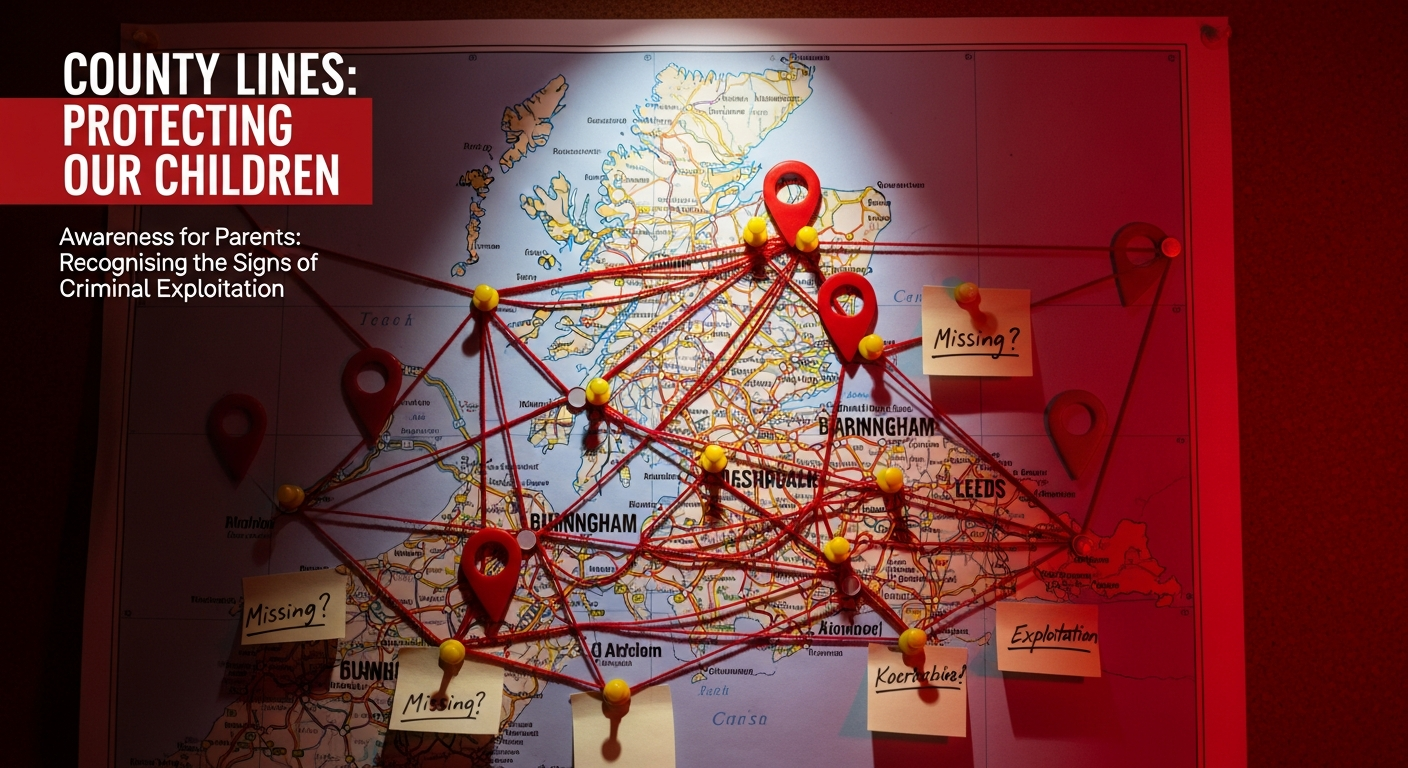
County lines is the term used to describe a method by which organised criminal gangs expand drug distribution networks from cities into smaller towns and rural areas β€” using children to carry and sell drugs, and to be "cuckooed" (placed in vulnerable adults' homes as bases of operation). It is a form of modern slavery.

How gangs recruit young people

Recruitment typically does not look like it does in films. It looks like friendship. A slightly older person pays attention to a young person who feels overlooked at home or school. They offer gifts β€” a new phone, trainers, money, food. They make the young person feel valued, exciting, part of something. By the time debt bondage and coercion begin, the young person feels they have no way out.

Recruitment happens at schools, parks, outside takeaways, online (especially gaming platforms and Snapchat), and through siblings or friends who are already involved.

Warning signs

  • Unexplained cash, new expensive items (phones, clothing, jewellery)
  • Going missing overnight or for periods they can't explain
  • A new older "friend" they are secretive or defensive about
  • Multiple phones, or SIM cards
  • Coming home with injuries they won't explain
  • Significant changes in behaviour β€” becoming withdrawn, fearful, or aggressive
  • Language or slang you don't recognise, references to gang culture
  • Exclusion from school, or significant drop in attendance

What parents need to understand

Your child is a victim, not a criminal β€” even if they have committed criminal acts under coercion. The law recognises this: the Modern Slavery Act 2015 includes a statutory defence for children who commit crimes as a direct result of exploitation. Police and social services are increasingly trained to identify and support exploited children rather than simply prosecute them.

Your child may not see themselves as a victim. They may be loyal to the gang, frightened of what happens if they leave, or simply unaware that what is happening to them is exploitation. This makes confrontation dangerous and ineffective.

Do not: Confront the gang members directly, issue ultimatums to your child, threaten to go to the police in front of your child, or take their phone without understanding it may be monitored.

Where to get help

  • 📞 NSPCC helpline: 0808 800 5000 (free, 24/7)
  • 📞 Crimestoppers (anonymous): 0800 555 111
  • 📞 Modern Slavery Helpline: 0800 0121 700
  • 🔗 Catch22 county lines resources: catch-22.org.uk
🚊 County Lines For Parents

Your Child May Be Involved in County Lines β€” Here's What to Do Right Now

Step-by-step action guide: who to call, what to say to your child, why you should not confront the gang, and how the safeguarding system will help.

By The Safeguard Hub TeamΒ·9 min read
Your child may be involved in county lines β€” here is what to do right now
If your child is missing right now: Call 999 immediately. Do not wait 24 hours β€” there is no legal waiting period for reporting a missing child. Mention your county lines concern explicitly.

You have realised β€” or strongly suspect β€” that your child is being exploited by a gang. This guide tells you what to do in the next 24 hours, the next week, and beyond. Act quickly but carefully.

Right now: if your child is with you

  • Stay calm. Do not shout, threaten, or issue ultimatums. Your child may be frightened of the gang and of you simultaneously.
  • Don't take their phone β€” it may contain evidence, and its sudden absence may put them in danger with the gang.
  • Call the NSPCC helpline on 0808 800 5000. They can advise on your specific situation before you contact police.
  • Contact your local police (101) and say explicitly: "I believe my child is being criminally exploited β€” county lines." Ask to speak to the local exploitation team or MASH.
  • Contact the school β€” they have a Designated Safeguarding Lead (DSL) who should be involved. The school can trigger a multi-agency response.

The next 48 hours

The police will likely refer to the MASH (Multi-Agency Safeguarding Hub), which brings together police, social care, health, and education to assess and respond. A Child Protection Plan may be initiated. This is not a punishment for your child β€” it is a formal support structure.

Request that your child is referred to a specialist exploitation service. Many local authorities commission services like Catch22, St Giles Trust, or Contextual Safeguarding teams β€” ask explicitly for this referral.

Keeping your child safe at home

Gangs will continue to make contact. Your child may receive threats against you or other family members. Do not respond to gang members. Keep a log of any contact, threats, or incidents with dates and times β€” this is evidence.

Your child may be angry with you for "betraying" them or interfering. Maintain boundaries while making clear that you love them and are doing this to protect them, not punish them. Family therapy alongside professional support can help rebuild trust.

If you are unsafe

If you or your family are receiving threats from gang members, call 999 immediately. Do not underestimate the risk β€” gang intimidation of families is common and can escalate quickly.

Key numbers β€” save these now

  • 📞 NSPCC: 0808 800 5000 (free, 24/7)
  • 📞 Police: 101 (non-urgent) or 999 (emergency)
  • 📞 Crimestoppers (anonymous tip-off): 0800 555 111
  • 📞 Modern Slavery Helpline: 0800 0121 700 (free, 24/7)
  • 🔗 Missing People: missingpeople.org.uk or 116 000
🔆 Knife Crime For Parents

Knife Crime Awareness: A Comprehensive Guide for Parents

Why young people carry knives, the legal consequences, how to talk to your child about it, and what to do if you find a weapon at home.

By The Safeguard Hub TeamΒ·10 min read
Knife crime awareness β€” a comprehensive guide for parents
UK statistics (2024): Police-recorded knife offences reached 50,000+ in the year to March 2024 (ONS). Hospital admissions for under-25s with knife injuries are at a 10-year high. The majority of young people carrying knives do so out of fear, not aggression.

Knife crime is one of the most frightening topics a parent can face. Whether you have found a knife at home, received a call from the school, or simply have a deep-seated worry about your child's safety in the area where they live β€” this guide is designed to give you accurate information and practical next steps.

Why young people carry knives

Research by the charity Catch22 found that the overwhelming majority of young people who carry knives do so because they are frightened. They live in or travel through areas where they don't feel safe, and they believe a knife will protect them. The reality β€” that carrying a knife makes you more likely to be stabbed, not less β€” is something many have never heard clearly stated.

A smaller number carry because of peer pressure, gang involvement, or because it is expected within their social group. In these cases, the route out requires addressing the underlying exploitation or coercion.

If you find a knife

  • Don't handle it unnecessarily β€” fingerprints and DNA may be important if there is a criminal investigation
  • Don't immediately call the police without thinking it through β€” consider your child's safety and the broader context first; the NSPCC helpline can advise
  • Have a calm conversation first β€” "I found something in your room and I'm worried, not angry. Can you help me understand?" You need information before you react.
  • Knife surrender bins are available at many police stations β€” you can drop a knife anonymously

Having the conversation

The conversation that matters most is not about the knife itself β€” it is about whether your child feels safe, and whether they feel they can come to you when they don't. Ask: "Are you scared of anything or anyone at the moment?" "Do you feel safe walking to school?" "Has anyone put pressure on you about this?"

The legal consequences are real and worth stating plainly: carrying a knife in public carries a maximum sentence of 4 years in prison and an automatic criminal record. Being caught with a knife does not protect your child β€” it puts their future at serious risk.

If you're worried about the area your child travels through

Contact your school β€” they have a responsibility to support students' safety. Speak to your local Community Safety team (via your council) about what support exists. Some areas have VRUs (Violence Reduction Units) with early intervention programmes for young people at risk.

Where to get help

  • 📞 NSPCC helpline: 0808 800 5000 (free, 24/7)
  • 🔗 No More Knives: noknivesbetterlife.com β€” resources for families
  • 🔗 Ben Kinsella Trust: benkinsella.org.uk β€” education and family support
  • 📞 Crimestoppers (anonymous): 0800 555 111
💊 Drugs & Alcohol For Parents

Substance Misuse: Beyond the Headlines β€” A Modern Guide for Parents

Cannabis, ketamine, nitrous oxide, fake Xanax, spice vapes. What today's drug landscape actually looks like and how to talk to your child about it.

By The Safeguard Hub TeamΒ·11 min read
Substance misuse β€” a modern guide for parents on what drugs young people encounter
What this guide covers: The substances young people most commonly encounter in the UK in 2026, how to recognise signs of use, how to talk about drugs without pushing your child away, and how to get professional help.

Drug use among young people has shifted significantly over the past decade. Cannabis remains the most commonly used illegal drug. Nitrous oxide (laughing gas) is widely used at social gatherings. MDMA, ketamine, and prescription drugs (particularly pregabalin) are the most commonly encountered substances after cannabis. Understanding what's out there helps you have informed conversations.

The most common substances in 2026

  • Cannabis (skunk): Modern high-THC cannabis is significantly more potent than 20 years ago and is strongly associated with anxiety, paranoia, and β€” in vulnerable individuals β€” psychosis. It is not the same as what parents may have experienced.
  • Nitrous oxide: Previously legal and widely available, now a Class C drug under the Psychoactive Substances Act 2023. Balloons at festivals and parties. Can cause B12 deficiency and nerve damage with heavy use.
  • Ketamine: Rising rapidly in popularity among under-18s. Dissociative anaesthetic. Risk of "K-bladder" β€” severe urinary damage with regular use.
  • MDMA/ecstasy: Still common at social events. Purity varies enormously. The major risk is overheating and dehydration.
  • Prescription drugs: Pregabalin, diazepam, and Xanax β€” often obtained online or from older peers. Highly addictive and dangerous in combination with alcohol.

Signs your child may be using substances

  • Smell of cannabis, or finding paraphernalia (papers, pipes, small bags)
  • Bloodshot eyes, dilated or constricted pupils after being out
  • Significant change in appetite β€” particularly increased appetite (cannabis)
  • Unexplained money disappearing
  • New peer group, secretive about where they've been
  • Mood swings that follow a pattern of high and low

Having the conversation β€” what works

Scare tactics do not work. Research consistently shows that young people who receive honest, accurate information about drug effects and risks β€” including harm reduction information β€” make safer choices than those who receive only "just say no" messaging.

Say: "I'd rather you came to me with questions about this than found out from someone who doesn't have your best interests at heart." Mean it. Don't punish your child for coming to you with honesty.

If you discover use: start with curiosity, not punishment. "How long has this been happening? Are you okay?" establishes whether this is experimentation or a dependency issue.

Where to get help

  • 📞 FRANK: 0300 123 6600 (free, 24/7) or talktofrank.com
  • 🔗 Adfam (family support): adfam.org.uk
  • 🔗 Nacoa (for children of addicts): nacoa.org.uk or 0800 358 3456
  • 📞 GP: Can refer to young people's drug services
💊 Drugs & Alcohol For Parents

Vaping and Your Child: The Real Risks and How to Have the Conversation

UK's fastest-growing teen risk. What's actually in vapes, the nicotine addiction timeline for adolescent brains, and how to talk about it without triggering defensiveness.

By The Safeguard Hub TeamΒ·8 min read
Vaping and your child β€” the real risks and how to have the conversation
2024 UK data: 20% of 11–17 year olds have tried vaping; 8.1% vape regularly (ASH, 2024). The "Elf Bar" style single-use vape is now the most common form. Possession under 18 is not illegal, but sale to under-18s is.

Vaping is now the most rapidly growing substance use issue among UK teenagers. Many young people begin vaping before they have ever smoked a cigarette, making nicotine dependency increasingly common in children who would not previously have encountered it.

Why teenagers vape

The single most common reason given by young people is social normalisation β€” "everyone does it." The colourful branding, fruit flavours, and discreet design of single-use vapes make them appealing and easy to hide. Many young people genuinely don't believe they are harmful.

The actual health risks

  • High-dose nicotine (typically 20mg/ml in UK-legal vapes) causes rapid dependency β€” adolescent brains become addicted to nicotine faster than adult brains
  • Long-term respiratory effects are not yet fully known β€” the products have existed for less than 15 years
  • Illicit vapes (often sold as legal products) have been found to contain formaldehyde, heavy metals, and vitamin E acetate
  • The NHS advises that no level of vaping is considered safe for non-smokers, especially children

How to have the conversation

Focus on the addiction aspect rather than moralising. "Nicotine addiction changes how your brain works β€” and at your age, it happens faster than you'd think. That's not me trying to scare you, it's just true." Ask what they know about it. Listen to their answer.

If your child is already vaping and wants to stop, the NHS offers nicotine replacement therapy to under-18s through your GP. The Quitline (0800 022 4332) also advises on stopping.

Where to get help

  • 📞 NHS Smokefree (includes vaping): 0800 022 4332
  • 🔗 ASH β€” action on smoking and health: ash.org.uk
  • 🔗 FRANK: talktofrank.com
💊 Drugs & Alcohol For Parents

Gambling and Young People: Signs It's Becoming a Problem

11% of 11–16 year olds gamble regularly. From loot boxes to sports betting β€” how to recognise a gambling problem and access GamCare support.

By The Safeguard Hub TeamΒ·8 min read
Gambling and young people β€” signs it is becoming a problem
Gambling Commission data (2024): 11% of 11–16 year olds in England gamble regularly. Young people are twice as likely as adults to develop a gambling problem. Loot boxes, skin gambling, and sports betting apps are the most common entry points.

Gambling is no longer a separate, adult activity that happens in bookmakers or casinos. It is embedded in the games your child plays, the sports content they watch, and the apps on their phone. Many parents do not realise their child is gambling because it looks like gaming.

What counts as gambling for young people in 2026

  • Loot boxes: In-game random reward packs bought with real money. Present in EA FC (Ultimate Team packs), Fortnite, Rocket League and many others. The Gambling Commission considers the mechanics addictive.
  • Skin gambling: Using CS:GO, Fortnite or other game items as currency to gamble on third-party websites. Sites typically require no age verification despite being technically illegal for under-18s.
  • Online sports betting: Bet365, Paddy Power, and similar platforms are technically 18+, but young people access them using parents' or older siblings' accounts.
  • Fixed-odds betting terminals (FOBTs): Still present in bookmakers, though stake limits have reduced them.

Signs of problem gambling in young people

  • Talking excessively about football odds, gaming bets, or "making money" online
  • Unexplained loss of money, or borrowing money and being vague about why
  • Mood tied to wins and losses β€” elated or very low in patterns you can't explain
  • Hiding phone or screen activity related to gambling
  • Asking to use your credit card or banking app

What to do

Talk about the design of gambling β€” that slot machine sounds, near-miss mechanics, and variable reward schedules are deliberately addictive. Young people respond well to the idea that they're being manipulated. Have a clear rule about in-game purchases requiring parental permission.

Where to get help

  • 📞 GamCare (families): 0808 8020 133 (free, 24/7)
  • 🔗 GamCare: gamcare.org.uk
  • 🔗 Gambling Therapy (free online support): gamblingtherapy.org
💊 Drugs & Alcohol For Parents

Drink Spiking: What Every Parent of a Teenager Should Know

Date rape drugs, needle spiking, GHB. What spiking looks like, how to test for it, and the exact steps to take if it happens to your child.

By The Safeguard Hub TeamΒ·7 min read
Drink spiking β€” what every parent of a teenager should know
Key fact: Drink spiking most commonly involves alcohol being added to a non-alcoholic drink, or more alcohol being added to an existing drink. Date rape drugs (Rohypnol, GHB) are less common but do occur. Needle spiking emerged as a new pattern from 2021.

Drink spiking β€” adding a substance to someone's drink without their knowledge or consent β€” predominantly targets young people, particularly at parties, festivals, and nights out. It is a crime. Knowing the signs and what to do in the aftermath matters.

Signs of spiking

  • Feeling suddenly much more intoxicated than the amount drunk should explain
  • Feeling dizzy, nauseous, or confused with a drink barely touched
  • Losing time β€” memory gaps that don't match the amount of alcohol consumed
  • For needle spiking: a sudden sharp pain, small puncture mark (usually on arm or buttock)

What to do if your child has been spiked

  • Get them somewhere safe immediately β€” with a trusted friend, away from the person suspected
  • Do not leave them alone
  • Call 999 if they lose consciousness or are in immediate danger
  • Seek medical attention at A&E β€” tell the doctor or nurse you suspect spiking. They can test for date rape drugs but there is a short window (usually 12–24 hours)
  • Keep the drink if possible β€” it can be tested
  • Report to police β€” as soon as possible after ensuring safety. You can also report later if they weren't ready at the time.

Prevention β€” what to tell your teenager

  • Never leave a drink unattended; get a fresh one if you do
  • Don't accept drinks from people you don't know
  • Use the buddy system β€” agree to check in on each other
  • It is always okay to call a parent to be picked up, no questions asked (consider establishing this explicitly)
Consider the "no questions asked" rule: Telling your teenager they can call you to be picked up from anywhere, at any time, without getting in trouble β€” reduces the risk they stay in a dangerous situation because they're afraid of your reaction.

Where to get help

  • 📞 Police: 101 (non-urgent) or 999 (emergency)
  • 📞 Rape Crisis: 0808 500 2222 (if sexual assault occurred)
  • 🔗 Roofie Foundation (spiking support): roofie.com
🏫 School System For Parents

How Safeguarding Actually Works in Your Child's School

DSLs, MASH referrals, thresholds, Child Protection Plans β€” plain English for parents who want to understand the system and how to work with it.

By The Safeguard Hub TeamΒ·11 min read
How safeguarding actually works in your child school
Key terms explained: DSL = Designated Safeguarding Lead | MASH = Multi-Agency Safeguarding Hub | CP = Child Protection | CIN = Child in Need | Section 47 = police/social care investigation

Every school in England must have a named Designated Safeguarding Lead (DSL) β€” usually a senior member of staff β€” whose job is to receive and act on concerns about children's welfare. Understanding this system helps you work with it effectively when something happens.

Who does what in school safeguarding

  • Class teacher / tutor: Your child's first point of contact. Any concern they spot should be reported to the DSL.
  • Designated Safeguarding Lead (DSL): Receives all concerns, decides whether to act, liaises with external agencies. Every school must have one and display their name. Deputy DSLs cover absences.
  • SENCO (Special Educational Needs Co-ordinator): Involved where a child has additional needs.
  • Headteacher: Has ultimate responsibility for safeguarding. In serious cases, they liaise directly with Ofsted and Local Authority.
  • Safeguarding governor: A member of the governing body responsible for overseeing the school's safeguarding arrangements.

What happens when a concern is raised

When a teacher or other staff member spots a concern, they report it to the DSL. The DSL assesses it against thresholds:

  • Universal services: Low-level concerns β€” the school monitors and provides in-house support
  • Child in Need (Section 17): The child is referred to local authority children's social care for a needs assessment
  • Child Protection (Section 47): There are reasonable grounds to suspect the child is at risk of significant harm β€” police and social care are alerted immediately

The Multi-Agency Safeguarding Hub (MASH)

If a school makes a referral to children's social care, it typically goes through the MASH β€” a team that brings together police, social workers, health professionals, and education in a single office. They assess the referral and decide the next steps within 24 hours for urgent cases.

Child Protection Plans

If a child protection investigation (Section 47) concludes that a child is at risk, a Child Protection Conference is convened β€” parents are typically invited. If the child is placed on a CP plan, they will have a named social worker and a review conference every three months.

Your rights as a parent

  • You have the right to be informed when a referral about your child is made (unless this would put the child at greater risk)
  • You have the right to attend child protection conferences
  • You can request a copy of the school's safeguarding policy β€” it should be on their website
  • You can request a meeting with the DSL at any time to discuss concerns about your child

Useful contacts

  • 📞 NSPCC helpline: 0808 800 5000 (free, 24/7)
  • 🔗 NSPCC β€” how schools handle abuse concerns: nspcc.org.uk
  • 🔗 Gov.uk β€” statutory guidance for schools: gov.uk (search "Keeping children safe in education")
🏫 School System For Parents

What to Do If You're Not Happy With How the School Handled Your Concern

Step-by-step escalation: headteacher β†’ safeguarding governor β†’ local authority β†’ Ofsted. Your rights, the timeline, and what to put in writing.

By The Safeguard Hub TeamΒ·9 min read
What to do if you are unhappy with how the school handled your concern
Key point: Schools have a legal duty to handle safeguarding concerns. If you believe that duty has been breached, you have a clear escalation pathway. Document everything in writing from Stage 2 onwards.

You raised a concern about your child's safety at school and feel it wasn't handled properly. That feeling is valid and worth pursuing. Here is the step-by-step process β€” from informal conversation to Ofsted.

Stage 1: Speak to the DSL directly

Request a meeting with the Designated Safeguarding Lead. Explain specifically what your concern is, what you told the school, and what response (or lack of response) you received. Many issues are resolved at this stage. Ask what action has been taken and what will happen next.

Stage 2: Written complaint to the headteacher

If you are not satisfied, put your complaint in writing to the headteacher. Include: what concern you raised, when, to whom, what response you received, and why you believe the response was inadequate. Schools are legally required to have a formal complaints procedure and to acknowledge your complaint within 5 school days. Keep a copy of everything.

Stage 3: Written complaint to the governing body

If the headteacher does not resolve it, escalate to the Chair of Governors. Your complaint letter should reference the school's complaints policy (which should be on their website). The safeguarding governor specifically has oversight of safeguarding matters. Governors must respond within 15 school days.

Stage 4: Local Authority

Contact your Local Authority's School Improvement and Inclusion team (for maintained schools) or Regional Director (for academies). For safeguarding-specific concerns, the Local Authority's LADO (Local Authority Designated Officer) handles concerns about professionals' conduct. Find your LA via gov.uk.

Stage 5: Ofsted

You can report a concern about safeguarding directly to Ofsted via their website (ofsted.gov.uk). Ofsted does not investigate individual complaints but does consider concerns during inspections and can trigger a visit if concerns are serious enough. Submit at: contact.ofsted.gov.uk/s/contactus

Throughout the process: Keep a log with dates, times, names, and the content of every conversation and correspondence. This protects you and strengthens any formal complaint.

Useful contacts

  • 🔗 Ofsted complaint form: contact.ofsted.gov.uk/s/contactus
  • 📞 IPSEA (education law): 0300 0018 023
  • 📞 NSPCC helpline: 0808 800 5000 (for safeguarding concerns)
  • 🔗 Coram Children's Legal Centre: childrenslegalcentre.com
🏫 School System For Parents

School Exclusion and Your Child: Your Rights and What to Do Next

Fixed-term vs permanent exclusion, the appeal process, alternative provision obligations, and the safeguarding risks of exclusion that no one tells parents about.

By The Safeguard Hub TeamΒ·9 min read
School exclusion and your child β€” your rights and what to do next
Types of exclusion: Suspension (previously "fixed-term exclusion") β€” temporary removal for up to 45 days per academic year. Permanent exclusion β€” removal from the school roll. Both trigger specific legal rights for you and your child.

School exclusion can feel sudden and overwhelming. Understanding your rights β€” and the school's legal duties β€” allows you to respond effectively and protect your child's education and welfare.

What the school must do when excluding

  • Notify you on the day the exclusion begins, in writing
  • State the reason for the exclusion and its duration
  • Set work for the first five days of any suspension
  • For suspensions of 6+ days and permanent exclusions: provide full-time education from the sixth day onwards
  • Inform you of your right to put representations to the governing body

Your rights during a suspension

You have the right to make representations (formally object) to the headteacher and the governing body. For suspensions of 5 days or fewer within a term, the headteacher must consider any representations but is not required to hold a meeting. For longer suspensions, you have the right to attend a governor hearing.

Permanent exclusion: the appeal process

If your child is permanently excluded, you must be offered a governor review panel meeting within 15 school days. If the governors uphold the exclusion, you can request an Independent Review Panel (IRP) β€” an independent body outside the school. You have 15 school days from the governors' decision to request an IRP. The IRP can uphold the exclusion, recommend the governors reconsider, or (exceptionally) direct reinstatement.

Safeguarding and exclusion

Exclusion increases safeguarding risk. Children at home unsupervised during school days are more vulnerable to exploitation, county lines recruitment, and peer pressure. The school has a duty to consider safeguarding implications when excluding. Ask the DSL what safeguarding support will be in place during the exclusion period.

SEND and exclusion

Schools must consider whether a child's behaviour is connected to an unmet SEND need before excluding. If your child has an EHCP, the exclusion may trigger a review. IPSEA can advise on your specific rights.

Where to get help

  • 📞 IPSEA: 0300 0018 023 β€” free SEND and exclusion advice
  • 🔗 Coram Children's Legal Centre: childrenslegalcentre.com
  • 🔗 Gov.uk β€” exclusion guidance: gov.uk (search "school exclusion guidance")
  • 📞 NSPCC helpline: 0808 800 5000
🏫 School System For Parents

SEND and Safeguarding: Why Disabled Children Are at Higher Risk

Children with SEND are significantly more likely to experience abuse and exploitation. What schools must do differently β€” and what parents can ask for.

By The Safeguard Hub TeamΒ·10 min read
SEND and safeguarding β€” why disabled children are at higher risk
The evidence: Disabled children are 3.7 times more likely to experience abuse than non-disabled children (NSPCC). Children with autism, learning disabilities, and communication difficulties are at particularly elevated risk. This is not their fault or their family's β€” it is the result of systemic factors that every school should be actively addressing.

Children with SEND (Special Educational Needs and Disabilities) face additional safeguarding risks that are often poorly understood by parents β€” and sometimes by schools. Understanding these risks and what schools must have in place helps you advocate effectively for your child.

Why SEND increases safeguarding risk

  • Communication barriers: Children who struggle to communicate may not be able to tell you or a teacher what is happening to them
  • Dependency on multiple carers: More adults have physical contact with a child who requires personal care, increasing opportunity for abuse
  • Social isolation: SEND children are more likely to be isolated from peers, making them easier targets for exploitation
  • Learned compliance: Children who are routinely directed by adults β€” and praised for compliance β€” find it harder to refuse inappropriate requests
  • Online vulnerability: SEND children may be less able to recognise manipulation online and more likely to be targeted by groomers
  • Diagnostic overshadowing: Changes in behaviour that might signal abuse are sometimes attributed to the child's disability rather than investigated

What your child's school must have in place

  • The SENCO and DSL must communicate regularly and share information about SEND children at risk
  • SEND children's EHCPs should include safeguarding considerations where relevant
  • Staff working closely with SEND children must have appropriate DBS checks and training
  • Schools must have a means for non-verbal children to communicate distress
  • Any concern about a SEND child should be treated with the same urgency as any other β€” not assumed to be related to their disability

What you can ask for

Request a meeting with the SENCO and DSL together to discuss your child's specific safeguarding vulnerabilities and what is in place. Ask to see the school's SEND safeguarding policy. Ask what communication methods are used to help your child express distress.

If your child has an EHCP, ensure safeguarding is explicitly addressed in the plan β€” not as a box-tick but with specific, named strategies appropriate to your child's needs.

Where to get help

  • 📞 IPSEA: 0300 0018 023 β€” free SEND education law advice
  • 🔗 Mencap: mencap.org.uk β€” learning disability safeguarding resources
  • 🔗 Contact (for families with disabled children): contact.org.uk
  • 📞 NSPCC helpline: 0808 800 5000 (free, 24/7)
💕 Relationships For Parents

Cyberbullying: What It Is, What It Isn't, and What Actually Works

Platform reporting processes, the school's legal duty to act, when to involve police, and how to support your child's mental health throughout.

By The Safeguard Hub TeamΒ·9 min read
Cyberbullying β€” what it is, what it is not, and what actually works
Key distinction: Not all unkind behaviour online is legally cyberbullying. But all unkind behaviour online is harmful and deserves a response. Schools have a duty to act on bullying that affects school life β€” even when it happens outside school.

Cyberbullying is the repeated, intentional use of digital communication to harm, harass, intimidate or exclude another person. The "repeated" element matters legally β€” but one serious incident (a deepfake image, a threatening message) can still be a criminal matter regardless of whether it happens once.

What cyberbullying looks like in 2026

  • Being excluded from group chats, deliberately and repeatedly
  • Negative or humiliating comments on posts, or mass pile-ons
  • Anonymous hate via ASKfm, NGL, or similar apps
  • Screenshots taken out of context and shared widely
  • Creating fake accounts impersonating the victim
  • Sharing intimate images without consent
  • Sending repeated unwanted messages, threats, or harassing content

What doesn't work (and why)

  • Confronting the bully's parents: Almost always escalates rather than resolves
  • Telling your child to "just ignore it": Feels impossible when your phone never stops
  • Taking away your child's phone: Punishes the victim, removes their social world
  • Retaliating: Creates evidence that can be used against your child

What does work

  • Document everything β€” screenshot with timestamps before blocking, in case you need evidence for school or police
  • Report to the platform β€” use the formal reporting tools; platforms are required to act under the Online Safety Act 2023
  • Report to school in writing β€” email the DSL. Schools have a legal duty to address bullying that affects school life, even if it happens outside school hours
  • Block β€” after documenting
  • Support your child's wellbeing β€” this is more important than resolving the incident quickly

When it becomes a criminal matter

The following are criminal offences, not just bullying: threats (Malicious Communications Act), sharing intimate images (Online Safety Act 2023), sustained harassment (Protection from Harassment Act), and incitement to violence. If any of these apply, report to police (101) alongside the school.

Where to get help

  • 📞 Childline: 0800 1111 (for your child)
  • 🔗 Anti-Bullying Alliance: anti-bullyingalliance.org.uk
  • 🔗 Ditch the Label: ditchthelabel.org
  • 📞 Police: 101 (if criminal offences involved)
💕 Relationships For Parents

Talking to Your Child About Healthy Relationships β€” at Every Age

Age-appropriate conversation guides from primary school through sixth form. What RSHE 2026 means for what your child is being taught β€” and how to reinforce it at home.

By The Safeguard Hub TeamΒ·9 min read
Talking to your child about healthy relationships at every age
RSHE 2026: Relationships and Sex Education is now statutory from primary school onwards in England. Schools are required to teach healthy relationships, consent, and recognising abuse. Reinforcing these lessons at home significantly improves outcomes.

Research consistently shows that young people who understand what healthy relationships look like β€” and who have talked about it with a trusted adult β€” are better able to recognise warning signs and exit unhealthy relationships. These conversations don't have to be big, formal sit-downs.

What healthy relationships actually look like

  • Both people feel comfortable being themselves
  • Disagreements are worked through without fear of the other person's reaction
  • Each person has their own friendships, space, and interests
  • Neither person feels they have to check in constantly or justify where they are
  • Mistakes are acknowledged and apologised for, not denied or turned back on the other person

Age-appropriate conversations

Primary age (7–11): Focus on friendships β€” what makes someone a good friend, how to recognise when someone isn't being kind, and the difference between someone making you feel good versus bad. Body autonomy: your body belongs to you. No one should touch you in a way that makes you uncomfortable.

Secondary age (11–16): Expand to romantic relationships. What does it mean to really like someone? How should you feel in a relationship β€” comfortable, valued, free? Introduce the concept of consent: it's enthusiastic, ongoing, and freely given. Discuss online relationship dynamics β€” sexting, pressure, control via phones.

Sixth form / 16–18: More nuanced conversations about coercive control (which is illegal under the Serious Crime Act 2015), the early warning signs that professionals call "red flags," and what to do if a friend is in an unhealthy relationship.

Warning signs in a teenager's relationship

  • Partner checks their phone regularly or demands to see messages
  • Your child becomes anxious if they don't respond to messages immediately
  • Their other friendships have dropped off significantly since the relationship began
  • They make excuses for the partner's anger or unkind behaviour
  • They seem happier when the partner isn't around

Where to get help

  • 📞 National Domestic Abuse Helpline: 0808 2000 247 (free, 24/7)
  • 🔗 Refuge: nationaldahelpline.org.uk
  • 🔗 Brook (relationships and sex ed for young people): brook.org.uk
  • 📞 Childline: 0800 1111
💕 Relationships For Parents

Peer Pressure: Why It's So Hard to Resist and How Parents Can Help

The neuroscience of adolescent risk-taking and why lecturing doesn't work. Practical at-home strategies that actually help young people resist pressure.

By The Safeguard Hub TeamΒ·8 min read
Peer pressure β€” why it is so hard to resist and how parents can help
Brain science: The prefrontal cortex β€” the part of the brain responsible for long-term decision-making and impulse control β€” isn't fully developed until the mid-20s. Teenagers are neurologically wired to be more sensitive to peer approval and more willing to take risks in social situations.

Peer pressure is not a character flaw or a parenting failure. It is a predictable feature of adolescent brain development β€” and understanding that makes it easier to address without blame or shame.

How peer pressure works differently now

Social media has fundamentally changed the peer pressure landscape. In previous generations, peer pressure happened in the moment and then ended. Now, your child carries their peer group in their pocket 24 hours a day. The pressure to be seen, to participate, to not be left out, is constant and public.

Peer pressure in 2026 often looks like: group chats where exclusion from the conversation is a social punishment; challenges that circulate on TikTok; gradual drift into behaviours that started as small risks and escalated; and the expectation of constant availability and online participation.

What doesn't work: lecturing

Telling a teenager "just say no" or "real friends wouldn't pressure you" is almost universally ineffective. It underestimates the genuine social cost of refusal and ignores the neurological reality of adolescent peer sensitivity. Teenagers know what the right thing to do is. The barrier isn't knowledge β€” it's the social calculus of what refusal will cost them.

What does help: building resistance without lecturing

  • Give your child an out: "Blame me if you need to get out of a situation β€” tell your friends I said no, you'll get in trouble, whatever you need. I won't mind." This removes social cost.
  • Talk about scenarios in advance, not in the moment: "What would you do if someone offered you something at a party?" is much less threatening than "Did you take drugs at that party?"
  • Reinforce their identity: Young people are more resistant to pressure when they have a strong sense of who they are and what they value. Support their interests, their friendships, their sense of self.
  • Talk about the design of social pressure: Helping your child understand that they are being manipulated β€” by group norms, by social media dynamics β€” gives them some detachment from the pressure.

Where to get help

  • 📞 Young Minds parent helpline: 0808 802 5544
  • 🔗 NSPCC: nspcc.org.uk
  • 📞 Childline (for your child): 0800 1111
💕 Relationships For Parents

Supporting Your LGBTQ+ Child: What Helps and What Harms

Based on Stonewall and FFLAG research. What parental support looks like in practice, school duties, the conversion therapy ban, and how to find community.

By The Safeguard Hub TeamΒ·10 min read
Supporting your LGBTQ plus child β€” what helps and what harms
The evidence is clear: LGBTQ+ young people whose parents are accepting are 8 times less likely to attempt suicide than those whose parents are rejecting (Family Acceptance Project, 2024). Parental response is the single biggest factor in an LGBTQ+ child's mental health outcomes.

Your child has come out to you, or you think they might be working up to it. Whatever you are feeling β€” surprise, confusion, love, fear, grief β€” your response in the coming days and weeks will shape your relationship and your child's wellbeing for years to come.

What not to say (and why)

  • "It's just a phase" β€” even if it turns out to be, saying this dismisses something your child has trusted you with
  • "Are you sure?" β€” your child is almost certainly more sure than you are comfortable with
  • "I still love you, but..." β€” the "but" cancels the love
  • "Don't tell anyone yet" β€” this teaches them their identity is something to be hidden
  • Referring them to therapy to change their orientation or gender β€” this is harmful, ineffective, and conversion therapy is banned in England under the Criminal Justice Bill 2024

What does help

  • Say: "Thank you for trusting me with this. I love you." Full stop. No qualifications.
  • Ask: "Is there anything you need from me right now?"
  • Use the name and pronouns they've asked you to use β€” get it wrong sometimes, correct yourself, keep trying
  • Learn β€” Stonewall, Mermaids, and FFLAG all have excellent guides for parents
  • Process your own feelings with other adults (ideally FFLAG, or a therapist) β€” not with your child

School duties

Under the Equality Act 2010, schools must protect LGBTQ+ pupils from discrimination and harassment. They must have an anti-bullying policy that explicitly covers sexual orientation and gender identity. Ask to see it. If your child is experiencing homophobic or transphobic bullying at school, report it to the DSL in writing and ask what action will be taken.

If your child is trans or non-binary

The Cass Review (2024) changed NHS guidance around gender-affirming care for under-18s. Access to puberty blockers through the NHS is now restricted to research settings. This is a complex and evolving area. Mermaids and Gendered Intelligence are the most up-to-date sources of family support and can help you understand the current landscape without judgment.

Support for families

  • 📞 FFLAG (for families of LGBTQ+ people): 0845 652 0311 | fflag.org.uk
  • 🔗 Stonewall: stonewall.org.uk
  • 🔗 Mermaids (gender identity support): mermaidsuk.org.uk
  • 📞 Galop (LGBTQ+ anti-violence charity): 0800 999 5428
  • 📞 Young Minds parent helpline: 0808 802 5544
✅ Practical Tools For Parents

The Safeguarding Numbers Every Parent Should Have Saved

Childline, NSPCC, CEOP, FRANK, Samaritans, Young Minds, GamCare, Galop and more β€” on one printable card, organised by situation.

By The Safeguard Hub TeamΒ·4 min read
The safeguarding numbers every parent should have saved
How to use this page: Save this page to your home screen, or print it and put it on your fridge. Every number below is free to call unless stated.

Emergency

  • 📞 Emergency services (police, ambulance, fire): 999
  • 📞 Non-emergency police: 101
  • 📞 Missing People: 116 000 (free, 24/7)

Child Safety & Abuse

  • 📞 NSPCC (report abuse, advice for parents): 0808 800 5000 β€” free, 24/7
  • 📞 Childline (for children and young people): 0800 1111 β€” free, 24/7
  • 🔗 CEOP (report online grooming): ceop.police.uk
  • 📞 Modern Slavery Helpline: 0800 0121 700 β€” free, 24/7
  • 📞 Crimestoppers (anonymous): 0800 555 111

Mental Health

  • 📞 Samaritans (anyone in distress): 116 123 β€” free, 24/7
  • 📞 PAPYRUS (suicide prevention for young people): 0800 068 4141
  • 📞 Young Minds parent helpline: 0808 802 5544 β€” Mon–Fri 9:30am–4pm
  • 📞 SHOUT (text-based crisis support): Text SHOUT to 85258
  • 🔗 Kooth (free online counselling for young people): kooth.com

Relationships & Domestic Abuse

  • 📞 National Domestic Abuse Helpline: 0808 2000 247 β€” free, 24/7
  • 📞 Rape Crisis: 0808 500 2222 β€” free, 24/7
  • 📞 Galop (LGBTQ+ abuse support): 0800 999 5428

Drugs & Alcohol

  • 📞 FRANK: 0300 123 6600 β€” free, 24/7
  • 📞 Nacoa (children of people with alcohol/drug problems): 0800 358 3456
  • 📞 GamCare (gambling): 0808 8020 133 β€” free, 24/7
  • 📞 NHS Smokefree (vaping/smoking): 0800 022 4332

LGBTQ+

  • 📞 FFLAG (families of LGBTQ+ young people): 0845 652 0311
  • 🔗 Mermaids (gender identity): mermaidsuk.org.uk
  • 🔗 Stonewall: stonewall.org.uk

Online Safety & Education

  • 🔗 Internet Watch Foundation (remove online content): iwf.org.uk
  • 🔗 StopNCII (stop intimate image sharing): stopncii.org
  • 📞 IPSEA (SEND and exclusion law): 0300 0018 023
  • 🔗 Coram Children's Legal Centre: childrenslegalcentre.com
✅ Practical Tools For Parents

How to Start a Conversation About Difficult Topics β€” 20 Real Opening Lines

Copy-paste scripts for knife crime, drugs, online safety, relationships, mental health, and county lines β€” for parents who don't know how to begin.

By The Safeguard Hub TeamΒ·6 min read
How to start conversations about difficult topics β€” 20 real opening lines
How to use these: These are real opening lines β€” not scripts to read out. Pick the one that feels most like you. The best time to use them is in a low-pressure moment: on a walk, in the car, when you're both doing something else.

The hardest part of any difficult conversation is starting it. Here are 20 real opening lines, organised by topic. Adapt them to your voice β€” the goal is to open a door, not deliver a speech.

Mental Health

  • "You seem a bit flat lately β€” and I'm not saying that critically. Are you okay?"
  • "I've been thinking about how tough things are for young people at the moment. How are you actually doing?"
  • "You know you can always tell me if something's going on, right? Even if you think I'll overreact."

Drugs & Alcohol

  • "I know your friends might be doing stuff at parties. I'd rather you came to me with questions than heard things from someone who doesn't care about you."
  • "When I was your age, people were into [X]. What's the thing at the moment for people your age?"
  • "If you were ever somewhere you felt uncomfortable β€” with people taking stuff, or pressure to do something β€” what would you do?"

Online Safety

  • "I read something about how many young people get weird messages online. Has anything like that ever happened to you?"
  • "If someone online made you feel weird or uncomfortable, would you know who to tell?"
  • "Who are you gaming with these days? Anyone I should know about?"

Relationships & Consent

  • "Are you seeing anyone at the moment? What are they like?"
  • "What do you think makes a good relationship? Like, what would matter to you?"
  • "I know school does stuff about consent now β€” what have they covered? Did it feel useful?"

Knife Crime & Safety

  • "Do you feel safe around here? Like, genuinely?"
  • "I've been reading about knife crime going up. Is that something you're aware of? Does it feel close to home for you?"
  • "If something happened and you needed to call me β€” from anywhere, at any time β€” you know I'd come, right? No questions."

Identity & Belonging

  • "Do you feel like you fit in okay? In school, with your friends?"
  • "Is there anything about yourself that you feel like you can't talk about?"
  • "Whatever is going on for you β€” whoever you are β€” I'm on your side. I just want you to know that."

General check-ins

  • "What's the thing that's taking up most space in your head at the moment?"
  • "On a scale of 1–10, how are things actually going? What would make it higher?"
✅ Practical Tools For Parents

Red Flags: 30 Signs That Something Might Be Wrong

A cross-topic index of warning signs covering exploitation, online harm, mental health, substance misuse, and unhealthy relationships β€” in one place.

By The Safeguard Hub TeamΒ·6 min read
Red flags β€” 30 signs that something might be wrong with your child
How to use this: One red flag doesn't mean there is definitely a problem. A cluster of flags, or a sudden change, warrants a calm conversation and possibly professional advice. Trust your instinct β€” you know your child.

These 30 warning signs are organised by theme. They are drawn from guidance by NSPCC, the National Crime Agency, Young Minds, and the Designated Safeguarding Lead network. Not all will apply to your child's age or situation.

🚫 Mental Health & Wellbeing

  • Withdrawing from friends and activities they previously loved
  • Significant change in sleep or appetite with no physical cause
  • Expressing hopelessness, worthlessness, or that things would be better without them
  • Unexplained marks or injuries, especially on arms or thighs
  • Giving away possessions or saying goodbye (act immediately β€” call 999 or A&E)
  • Persistent low mood that isn't lifting after 2+ weeks

📵 Online & Digital

  • Becoming secretive about online activity β€” turning screen away, switching apps
  • Being upset or distressed after using a device but refusing to explain
  • New older "friend" online they won't introduce or fully explain
  • Unexplained gifts, money, or phone credit received online
  • Staying up very late or getting up in the night to use devices

🔑 Criminal Exploitation & County Lines

  • Unexplained cash, new expensive items (trainers, phone, jewellery)
  • Going missing overnight or for extended periods
  • Multiple phones or SIM cards
  • Coming home with unexplained injuries
  • New older "friend" they are secretive or overly defensive about
  • References to slang or gang culture you don't recognise

💔 Relationships

  • Partner checks their phone or insists on knowing their location constantly
  • Significant drop in contact with other friends since a relationship began
  • Making excuses for a partner's angry or controlling behaviour
  • Becoming anxious or fearful in a way connected to a specific person
  • Unexplained bruising or injuries

🍂 Drugs, Alcohol & Gambling

  • Smell of cannabis, alcohol, or unfamiliar chemicals
  • Bloodshot eyes, unusually dilated or small pupils
  • Money disappearing with no explanation
  • Mood swings that follow a pattern β€” high then low, excited then very low
  • Borrowing money or stealing from family

🏫 School & Social

  • Significant and unexplained drop in school attendance or grades
  • School reporting unexplained absences you weren't aware of
  • Sudden change of friendship group with no explanation
If you're worried: Start with a calm conversation. Then call the NSPCC helpline (0808 800 5000) for free advice. You don't need to have all the answers before you reach out.

Need Help Right Now?

All of these services are free, confidential, and available 24/7.